
Partner Icon
Become a Refrens PartnerLearn More

Purchase Order Templates for FREE (Word, Excel, PDF)

Create & Manage Purchase Order Online for FREE.

Easy Purchase Order Template. Email, Print Download PDF.

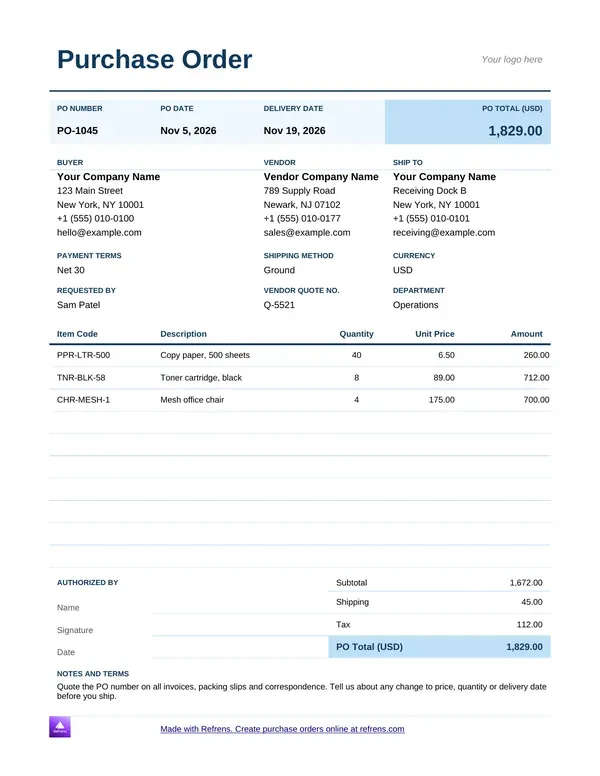
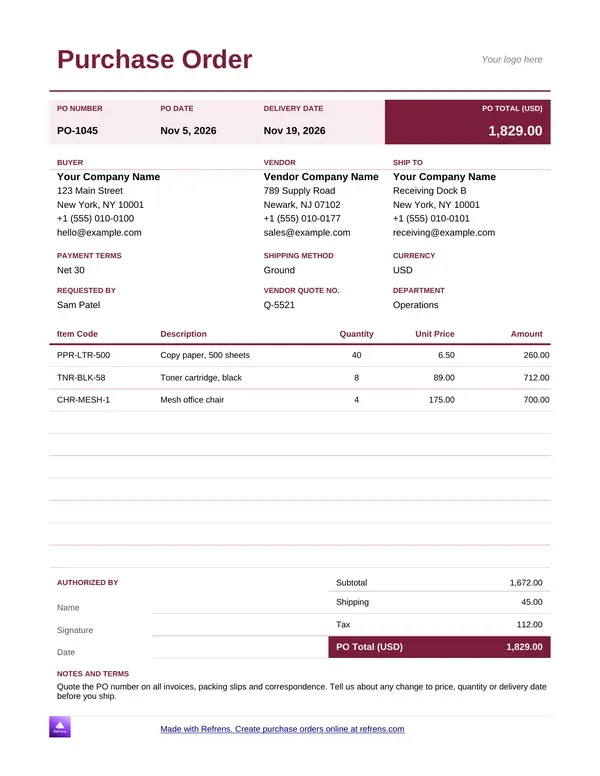
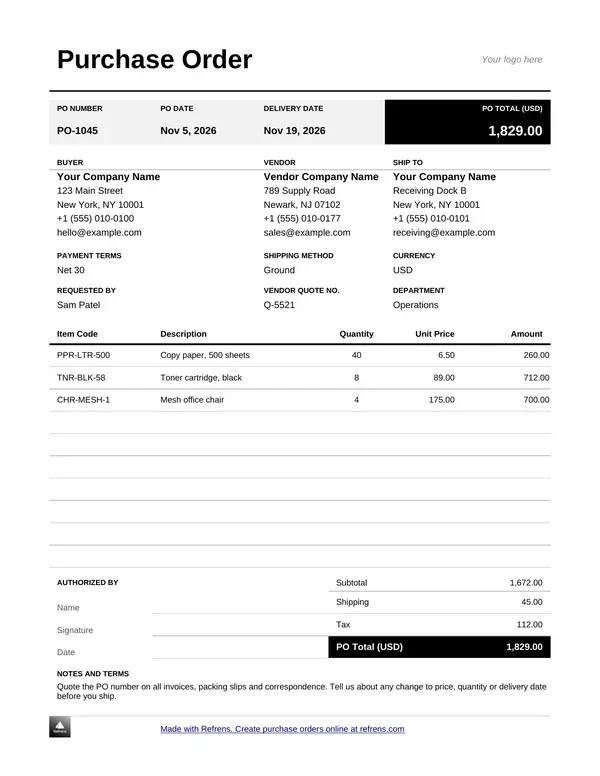
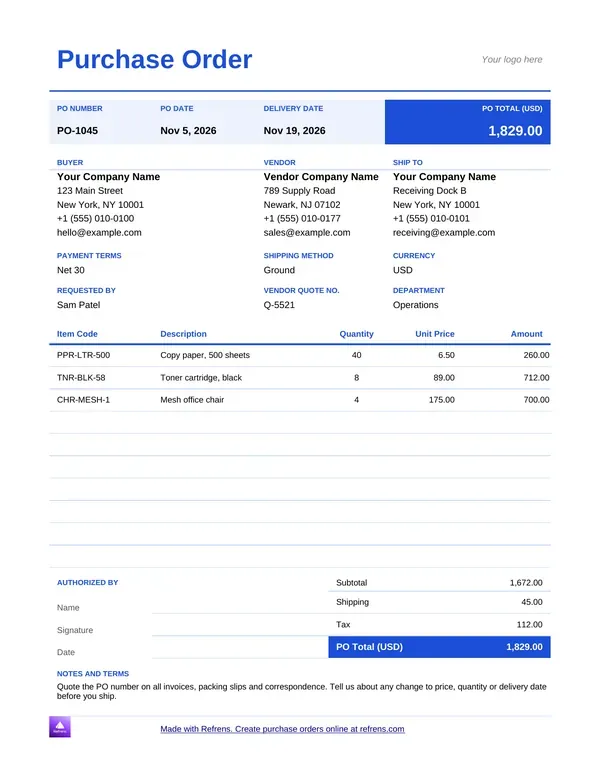
Download Free Purchase Order Templates in Word and Excel

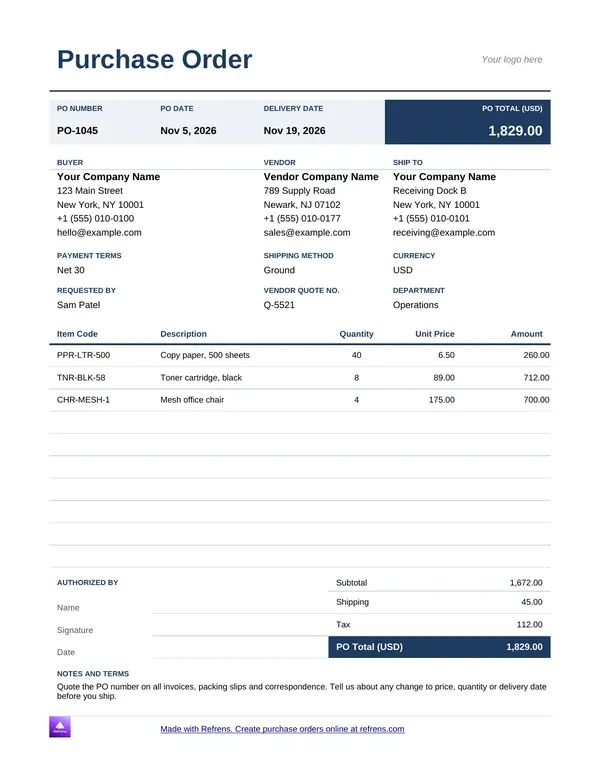
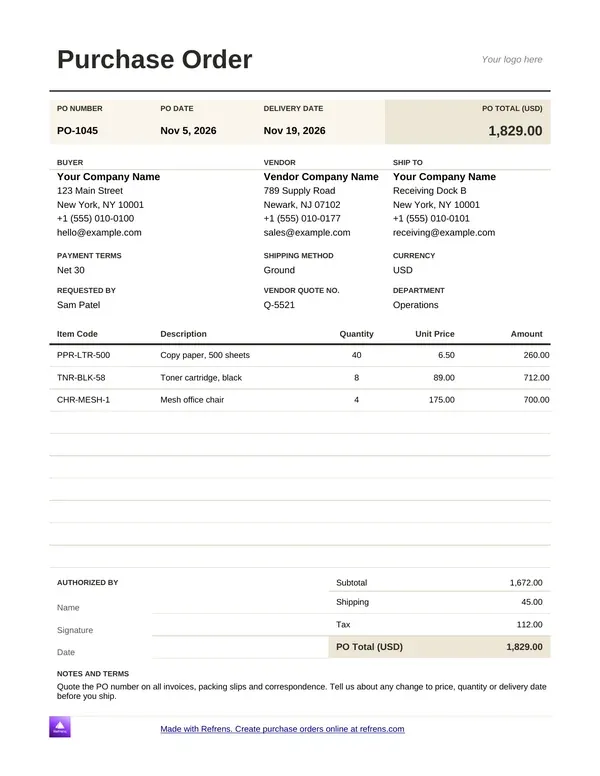
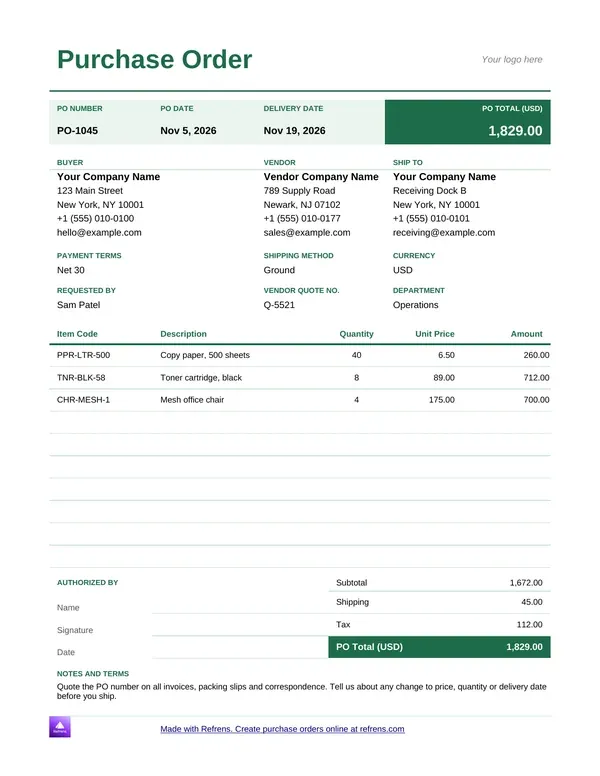
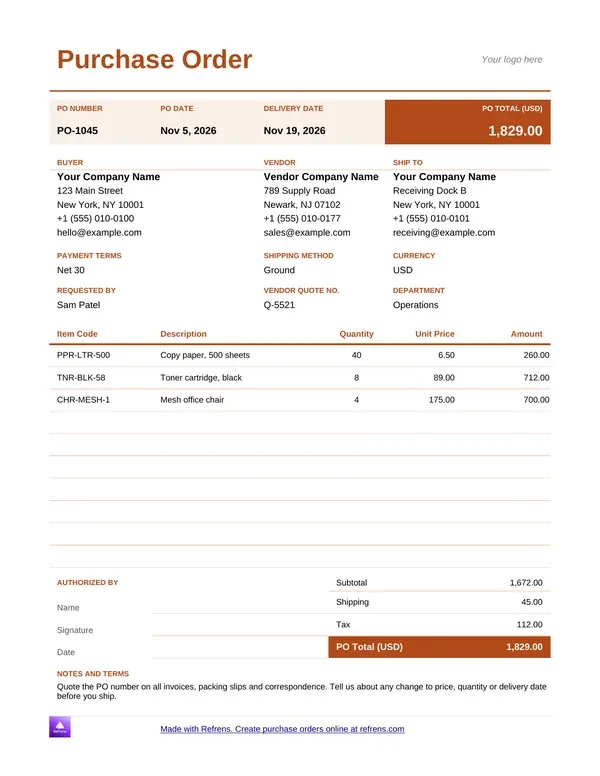
Pick a colour, preview the template, and download it as an editable Word (.docx) or Excel (.xlsx) file.

Create Purchase Order Template in PDF Now!

1
Purchase Order Details
2
Design & Share (optional)
1
Purchase Order Details
2
Design & Share (optional)

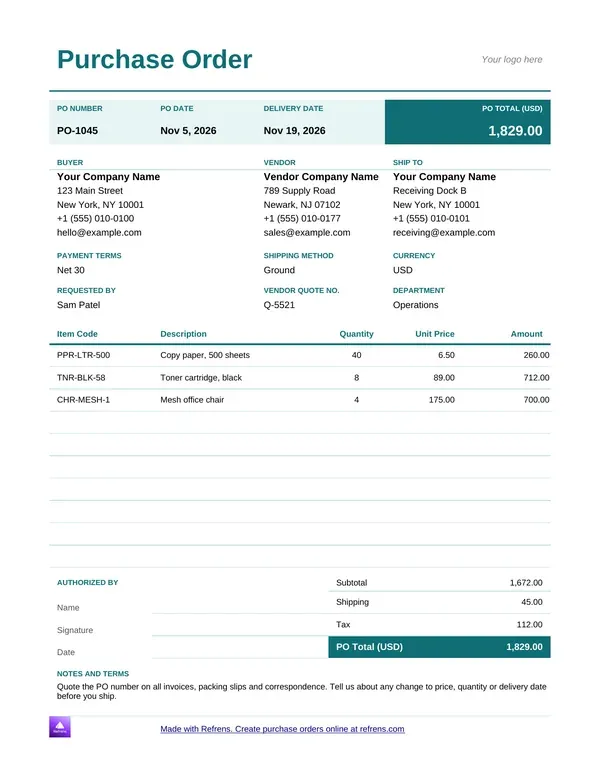
Purchase order template in Word

Download and customize your purchase order in Word and Google Sheets for free
Purchase Order Template
Purchase Order Template Word
Purchase Order Format
Free PO
Free PO
Purchase Order Generator
Free Purchase Order Format
Online Purchase Order Template

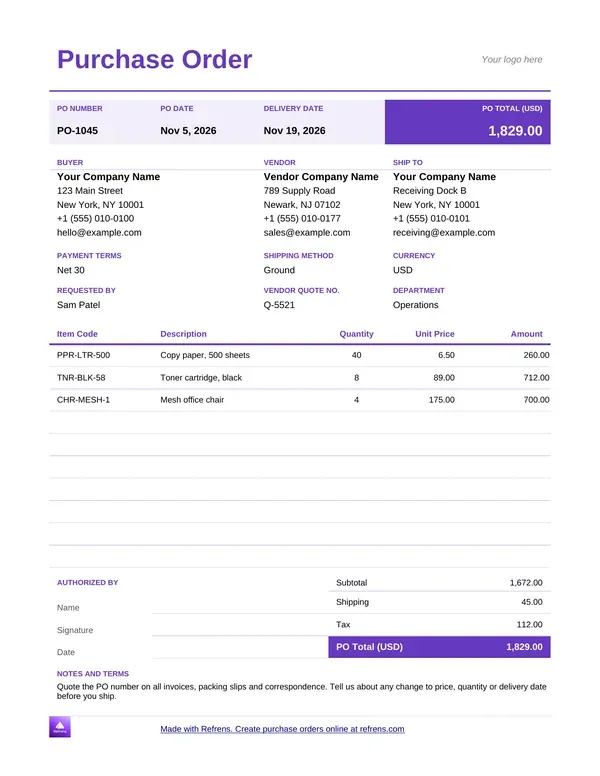
Purchase order template in Excel

Download and customize your purchase order in Word and Google Sheets for free
Purchase Order Template
Purchase Order Format
Purchase Order Template
Free Purchase Order Template
Online Purchase Order Template
Purchase Order Generator
Free PO
Free PO

What is a purchase order?

A purchase order is a buyer's written order to a vendor. It lists the items, quantities, prices and delivery terms, and it carries a unique number. Some markets call it a local purchase order, or LPO. The meaning is the same: a purchase order issued to a local supplier.

Here is a plain example. A distributor needs stock. It sends PO-002 to a vendor with the items, the agreed prices and a delivery date. The vendor delivers and sends an invoice that quotes PO-002. The distributor checks the invoice against the order before it pays.

A purchase order is a buyer's written order to a vendor that lists items, quantities, prices and delivery terms, and it can create a binding commitment once the vendor accepts it.

Legal effect depends on local law and on the terms of the order, so check your local rules.

Word, Excel or the online generator?

Refrens gives you downloadable purchase order templates and an online generator. Pick by how you work.

  • Purchase order template Word. What you get: An editable Word file. Account: None. Limit: Unlimited downloads.
  • Purchase order template Excel. What you get: An editable Excel file. Account: None. Limit: Unlimited downloads.
  • Online purchase order generator. What you get: A PDF purchase order. Account: Free account. Limit: 15 documents a year across all document types.

Use Word for an order with notes and conditions. Use the purchase order format in Excel for a long list of items. Use the free PO generator when you want a finished PDF without formatting anything.

Unlimited downloads of the Word and Excel templates need no signup. The files carry a small Refrens branding at the bottom of the page, and you can remove it. The online generator needs a free account. If 15 documents are not enough to judge the product, a Refrens sales person or account manager can extend your trial, so you can decide before you upgrade.

How to create a purchase order

In Word or Excel

  1. Download a template. Pick a Word or Excel purchase order template in the gallery above. The file downloads at once.
  2. Add the parties. Enter your business details as the buyer, then the vendor's details.
  3. Add items. List each item with quantity, rate and amount. Add a short description where the vendor needs one.
  4. Add delivery and payment terms. State the delivery date, the place and when you will pay.
  5. Check, then send. Match the prices to the vendor's quotation. Save the file and send it.

Create a purchase order online

  1. Fill in the form above. Add the purchase order number, the date and the due date.
  2. Add both parties. Use "Billed By (Your Details)" for your business as the buyer. Use "Billed To (Client Details)" for the vendor.
  3. Add items. The generator calculates each amount and the total. Add a discount, a charge or tax where they apply.
  4. Add terms and notes. State the delivery terms and the payment terms. Attach drawings or specifications if the vendor needs them.
  5. Pick a design and download. Choose a template, download the PDF with a free account, or send it by email.
  6. Check. Confirm the number is new and the prices match the quotation.

Purchase order format: what each field does

Use this format for purchase order documents so the vendor can act without asking questions.

  • Title. What it settles: Shows what the document is. What to enter: "Purchase Order". Status: Good practice.
  • PO number. What it settles: Lets both sides and the invoice point to one order. What to enter: A unique number in its own series. Status: Good practice.
  • PO date. What it settles: Records when you ordered. What to enter: The day you issue it. Status: Good practice.
  • Due date. What it settles: Sets when you need the goods. What to enter: The delivery date you expect. Status: Good practice.
  • Your details. What it settles: Identifies the buyer. What to enter: Business name, address and contact. Status: Good practice.
  • Vendor details. What it settles: Identifies the seller. What to enter: Vendor name and address. Status: Good practice.
  • Items. What it settles: Defines what you order. What to enter: Name, quantity, rate, amount, short description. Status: Good practice.
  • Discounts and charges. What it settles: Explains how the price moves. What to enter: A labeled percentage or amount. Status: Good practice.
  • Tax. What it settles: Shows tax on the price. What to enter: The tax label and rate. Status: Local rules decide.
  • Total. What it settles: Fixes what you commit to. What to enter: The total with the currency. Status: Good practice.
  • Delivery and payment terms
  • What it settles: Sets when and how the vendor delivers and gets paid
  • What to enter: Date, place, and payment days
  • Status: Good practice
  • Notes and attachments. What it settles: Records specifications. What to enter: Drawings, standards, special conditions. Status: Good practice.
  • Signature. What it settles: Shows who authorized the order. What to enter: Sign on screen or add an image. Status: Good practice.

A purchase order can create a binding commitment once the vendor accepts it, so check your local rules before you rely on one. This page gives general guidance. It is not legal or tax advice.

Why the PO number matters

The PO number does one job. It lets you match the vendor's invoice to your order.

Say you send PO-002 to one vendor and PO-003 to another, with a few more open orders besides. When a vendor delivers, it sends an invoice with its own invoice number and your PO number as the reference. You open PO-002 and check three things:

  • Items. Did the vendor deliver what you ordered?
  • Price. Does each rate match the order?
  • Conditions. Do the delivery and payment terms match?

With many open orders to many vendors, the number is the only reliable link between the two documents. Use one number per order. Never reuse a number. Ask each vendor to copy it onto every invoice.

In your Refrens account, the PO number carries onto the invoice as a reference. A purchase order can also convert into an invoice or link to one, so the two stay connected.

Who issues purchase orders, and why

Wholesalers, traders and distributors

These businesses buy stock all year. A purchase order fixes the price and quantity before the vendor ships, so the invoice never surprises them.

Engineering firms

An engineering firm orders parts, materials and subcontract work. The order carries drawings and specifications as attachments, so the vendor builds to the right standard.

IT businesses

IT businesses order licenses, hardware and contract work. A purchase order gives the buyer a record of what the company committed to and who approved it.

Businesses that control spend across departments and branches

A purchase order lets a company approve spending before it happens. Refrens has an approval system for this. You can set multiple approval stages and route a request by factors such as amount, vendor, department or category, and keep remarks, reminders and an activity history. A branch raises the order, and the right person approves it.

Purchase order sample: an engineering firm orders parts

Illustrative example. We invented the business, the items and the rates.

An engineering firm sends PO-1042 to a parts vendor. Delivery is due in 14 days and payment is due 30 days after delivery.

  • Steel brackets: Quantity 200, Rate (USD) 4.50, Amount (USD) 900.00

  • Fastener kits: Quantity 50, Rate (USD) 12.00, Amount (USD) 600.00

  • Hydraulic fittings: Quantity 40, Rate (USD) 18.75, Amount (USD) 750.00

  • Subtotal: 900.00 + 600.00 + 750.00 = 2,250.00 USD

  • Discount at 4%: 2,250.00 × 0.04 = 90.00 USD, so 2,160.00 USD after discount

  • Delivery charge: 60.00 USD, so 2,220.00 USD

  • Tax at 7%: 2,220.00 × 0.07 = 155.40 USD

  • Total: 2,220.00 + 155.40 = 2,375.40 USD

In this illustrative example, a purchase order for 2,250.00 USD of parts comes to 2,375.40 USD after a 4% discount, 60.00 USD delivery and 7% tax.

Now the vendor delivers and sends an invoice that quotes PO-1042. The invoice shows the fittings at 19.75 USD instead of 18.75 USD. The firm opens PO-1042, spots the difference and sends it back. On 40 fittings, that is 40.00 USD more on one line, before discount and tax.

Mistakes that break the match

  • A reused PO number. Two orders under one number leave the invoice with no single order to match. Number every order once.
  • No delivery date. The vendor ships when it likes. Always enter a date.
  • Vague items. "Parts" invites a dispute. Name each item with a quantity.
  • Prices that differ from the quotation. The vendor questions the order. Copy the quoted rates.
  • No payment terms. You have no agreed pay date. State the days and the method.
  • No authorization. An order without an approver leaves no record of who committed the spend. Sign it, or route it for approval.

What a template does not do

A Word or Excel file helps you write one purchase order. It has limits:

  • It does not number your orders. You keep the series.
  • It does not route approvals or keep a record of who approved.
  • It does not match the vendor's invoice to the order.
  • It does not check local tax rules. Confirm the required fields for your country.

The online generator builds a PDF from a form, one document at a time. Your Refrens account handles the rest.

From purchase order to invoice and approval

The sample shows the friction. The firm retypes 40 fittings and every other line when the invoice arrives. A reused or mistyped number breaks the match.

Use free invoicing software to keep the order, the invoice and the payment in one place. Quote first? Online quotation software carries the quote into the order and the invoice.

Every invoice, quotation and proforma feature in Refrens is also available on purchase orders. That includes custom fields and columns, your logo, letterhead and signature, email sharing and 150+ currencies. Some features sit on paid plans.

Use a template when you issue a few orders a month. Move to the software when you chase approvals, retype vendor details or match invoices by hand.

Which document do you need?

Match the document to the step in the sale.

A quotation offers a price. A purchase order commits to it. An invoice asks for payment.

Create your purchase order

Scroll up and download a purchase order template in Word or Excel, or fill in the form to create a purchase order online as a PDF. More than 150K businesses across 170+ countries send quotations and invoices with Refrens.

Frequently asked questions

What is a purchase order, and what is an LPO?

A purchase order is a buyer's written order to a vendor that lists items, quantities, prices and delivery terms. An LPO, or local purchase order, is a purchase order issued to a local supplier. The two documents work the same way.

What is the difference between a purchase order and an invoice?

A purchase order is the buyer's order, sent before delivery. An invoice is the vendor's bill, sent after delivery. The invoice should quote the PO number so the buyer can match it to the order.

Is a purchase order legally binding?

A purchase order can create a binding commitment once the vendor accepts it. Whether it binds you depends on local law and on the terms of the order, so check your local rules.

What goes in a purchase order format?

A purchase order format needs a PO number, a date, the buyer's and vendor's details, priced items, a total, delivery and payment terms, and a signature. Add notes or attachments when the vendor needs specifications.

Is there a purchase order format in Excel?

Yes. Refrens offers a free purchase order template in Excel and in Word, and you can download both with no signup. Download as many as you like. The files carry a small Refrens branding at the bottom of the page, and you can remove it.

How do I create a purchase order online for free?

Fill in the form on this page, then download the PDF with a free account. The free plan covers 15 documents a year across all document types. If you need more time to judge the product, a Refrens sales person or account manager can extend your trial.

How do I match a purchase order to an invoice?

Compare the PO number, the items, the prices and the terms. The vendor copies your PO number onto its invoice as a reference. You open that order and check that the items, rates and conditions match before you pay.

About Refrens. Refrens is invoicing and quotation software for small businesses, freelancers and service businesses. Create invoices, send quotations and collect payments in one place.


Made with and in Bengaluru.

Refrens Internet Pvt. Ltd. | All Rights Reserved
This site is protected by reCAPTCHA and the Google Privacy Policy and Terms of Service apply.
Refrens ISO Certificate
